
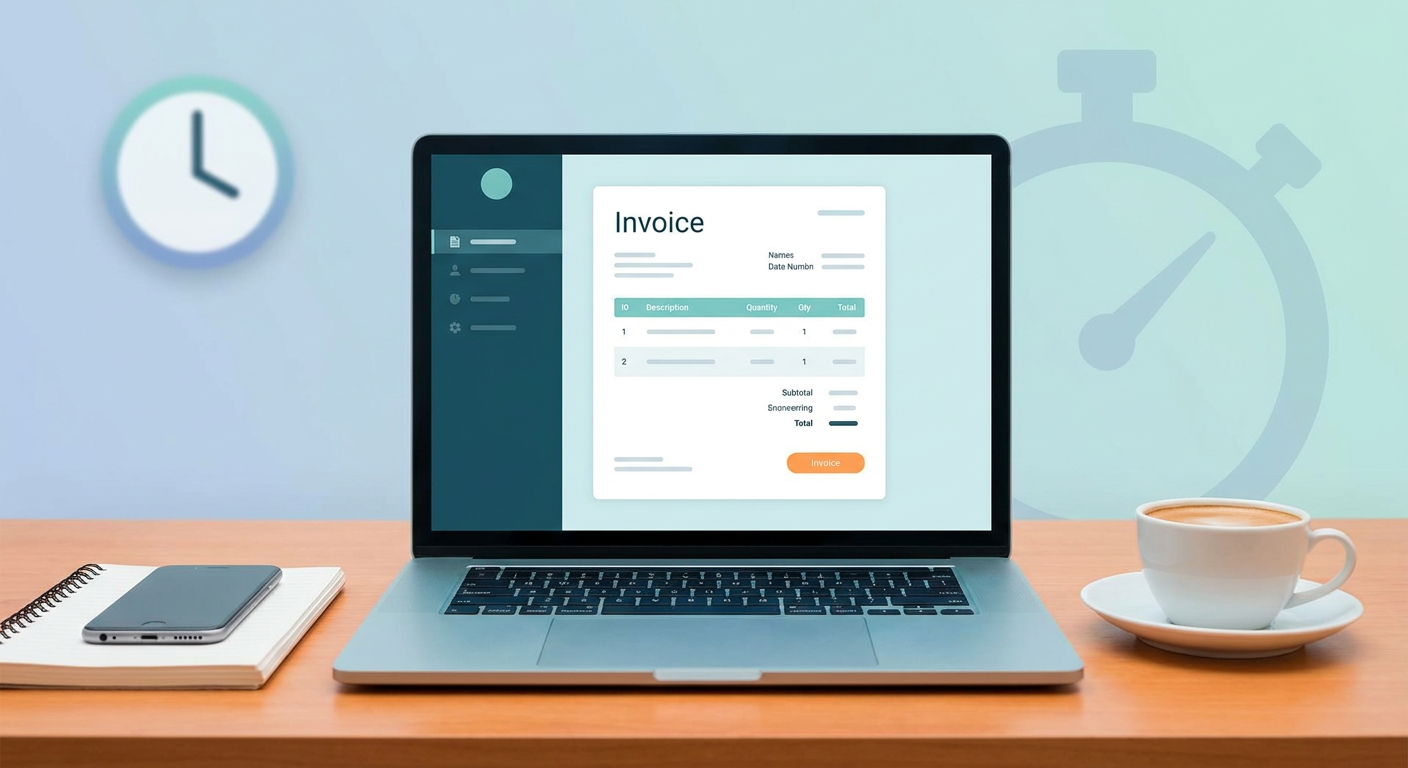
Let's be honest—invoicing shouldn't be the roadblock that stands between you and the money you've earned. Yet, thousands of independent professionals still waste hours every week wrestling with broken spreadsheet formulas and messy formatting. Using a professional free invoice generator for freelancers is easily the fastest way to get your cash flowing, look polished, and get paid without the wait. Whether you're consulting out of Istanbul, designing for a client in Berlin, or writing copy from Singapore, having a streamlined billing system in 2026 isn't a luxury; it's just basic hygiene for your business.
A free invoice generator for freelancers is a simple digital tool built to let you create, customize, and send out professional bills on the fly. By handling math, taxes, and payment terms automatically, these platforms let independent contractors whip up legally compliant PDF invoices for clients anywhere in the world in under five minutes flat.
🔑 Key Takeaways
- Speed is Everything: You can shoot over dynamic, compliant invoices in under 5 minutes—no clunky accounting software required.
- Global Compliance: Keep your paperwork perfectly aligned with EU VAT, Turkish GİB, and Asian GST rules without breaking a sweat.
- Brand Consistency: High-quality, customized templates show clients you mean business, which usually means they clear your invoices faster.
- Integration Ready: Connect your billing straight to your booking calendar and social bios to keep that monthly revenue flowing.
The Anatomy of a Free Invoice Generator for Freelancers
To most people, an invoice looks like a glorified receipt. But in the professional B2B world? It's a binding legal document. If your paperwork leaves out even one tiny detail, a corporate finance team will happily reject it—pushing your payday back by weeks (and nobody wants that).
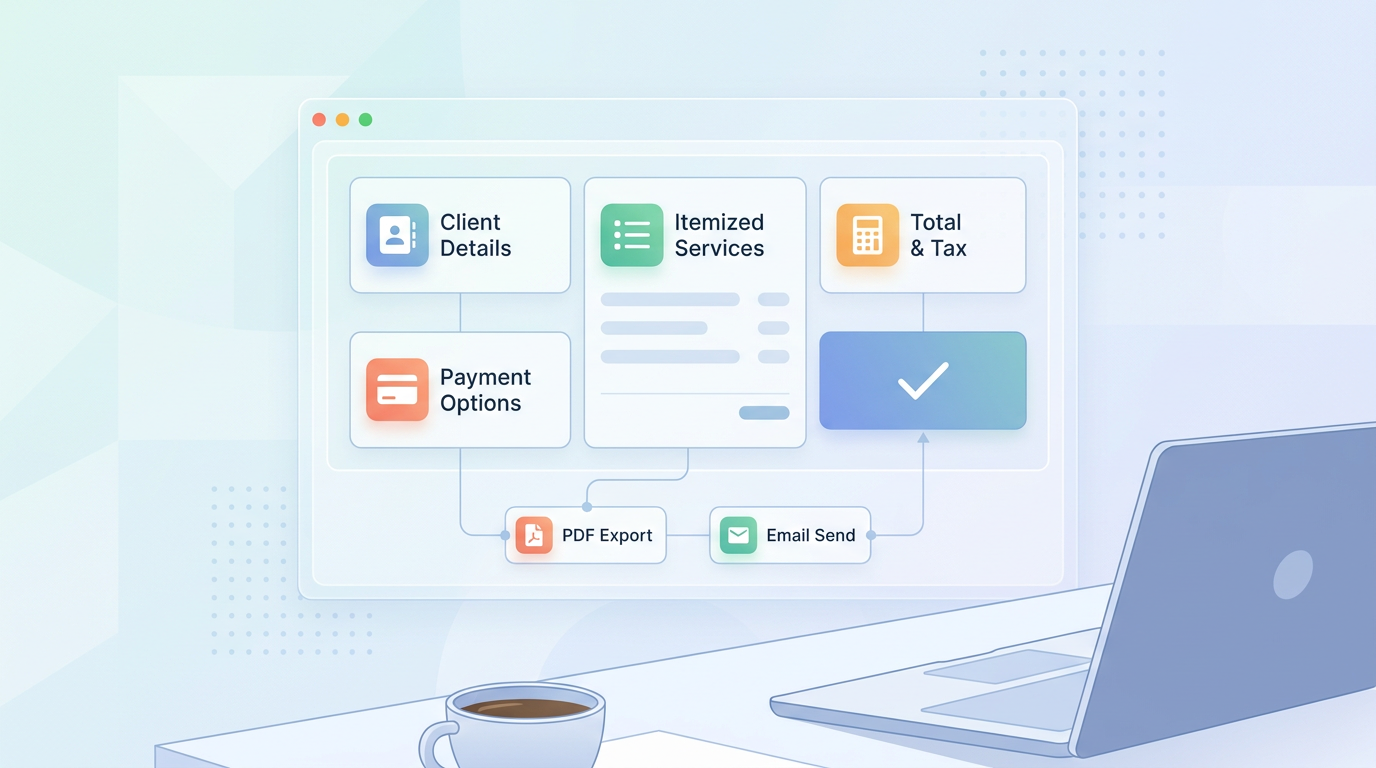
That's where a solid free invoice generator for freelancers comes in. It does the heavy lifting to ensure every mandatory field is exactly where it needs to be. We're talking about your business details, client coordinates, a logical, sequential numbering system, itemized services, localized taxes, payment terms, and clear instructions for bank transfers or electronic gateways.
Plus, doing the math manually is a recipe for embarrassing mistakes. A digital generator handles the subtotals, applies any discounts, tacks on local taxes like VAT or GST, and formats the final balance automatically. It's clean, it's accurate, and it tells your clients that you run a highly organized operation.

Why Do Freelancers Need a Professional Billing Solution?

With freelance work going truly global, tax authorities everywhere are cracking down on compliance. In the European Union, rules governing Value Added Tax (VAT) demand highly specific documentation. Similarly, Turkey's e-arşiv system keeps a close eye on invoices, and Asian countries have their own strict GST setups. Basically, you can't just wing your records anymore.
Sticking to dusty Word docs or basic spreadsheet templates is a massive gamble. They look terrible on mobile, cells break, and it's incredibly easy to forget critical elements like a Tax ID (TIN) or the correct currency symbol. By opting for a dedicated free invoice generator for freelancers, your document is built from the ground up to satisfy tax auditors worldwide.
Beyond staying out of trouble with tax authorities, professional invoices protect your cash flow. When you lay down clear, professional terms—like "Net 15" or "Net 30"—and spell out exactly how to pay you, you eliminate the back-and-forth. It sets healthy business boundaries and reminds corporate clients that you're a serious business entity, not a hobbyist.
Step-by-Step Guide: Send Your First Invoice in 5 Minutes
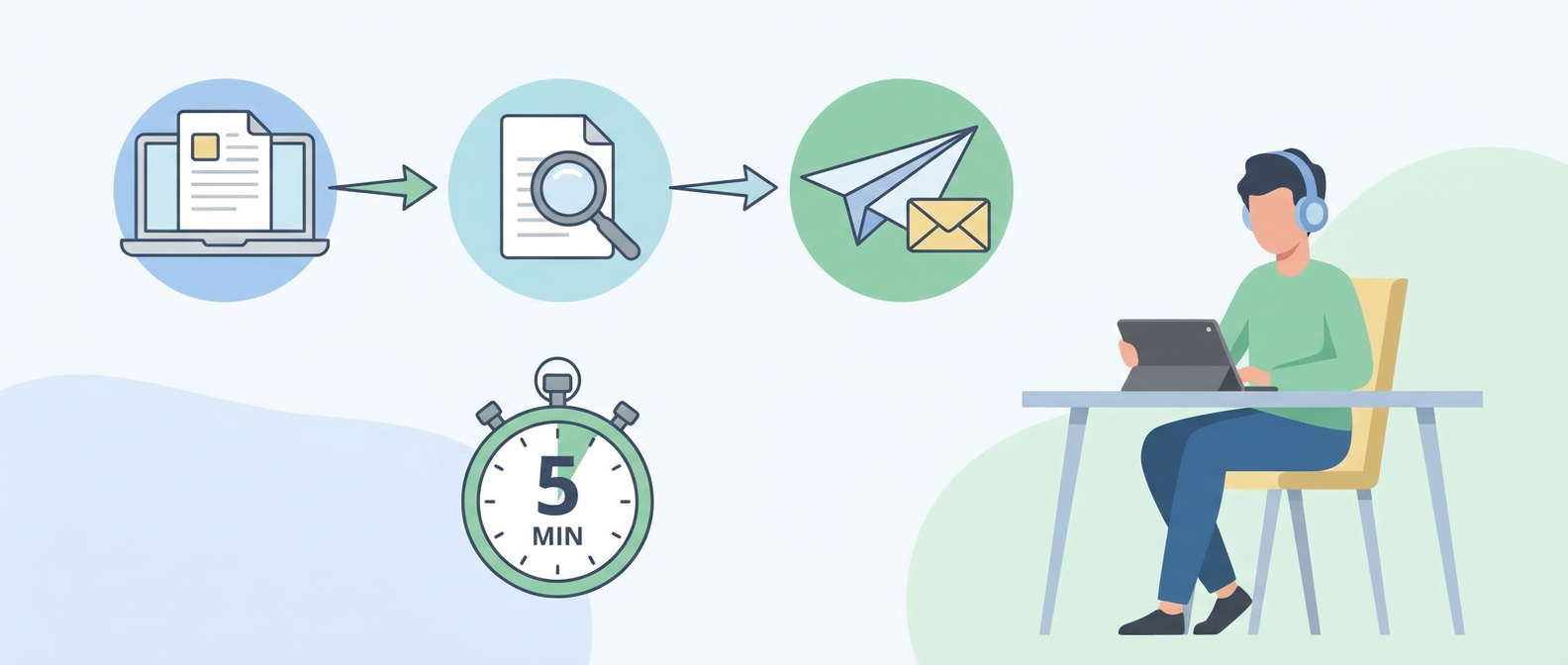
Don't worry—you don't need a degree in accounting to build your first invoice. Just follow this quick, painless checklist to get your first professional bill out the door in under five minutes.
- Step 1: Enter Business and Client Details. Type in your business name, email, physical address, and tax IDs. Do the exact same for your client—and make sure to use their official, legal company name to satisfy their internal accounting policies.
- Step 2: Assign an Invoice Number and Date. Pick a logical, sequential numbering system (something simple like INV-2026-001 works great). This makes tracking payments way easier for both of you. Don't forget to add the issue date and the firm deadline.
- Step 3: Define Your Deliverables. Add clear, itemized lines for your work. Whether it's an hourly rate, a flat fee, or digital goods, write brief descriptions so the client's finance team knows exactly what they're paying for.
- Step 4: Input Taxes and Discounts. Plug in whatever tax rate applies to your target region. (Pro tip: If you're working with an overseas client who is tax-exempt, just write "reverse charge VAT" in the footer to keep things fully compliant).
- Step 5: Write Payment Instructions. Make it ridiculously easy for them to send you money. Add your IBAN, SWIFT code, routing number, or a direct online payment link.
- Step 6: Review and Export. Double-check the numbers, download your beautifully formatted invoice as a PDF, or grab a shareable link to send directly to your client.
How to Sell Digital Products From Instagram Bio
Let's face it: trading hours for dollars gets exhausting. In 2026, smart freelancers are scaling up by packaging their expertise into templates, guides, and ebooks. If you want to build a truly passive income stream, learning how to sell digital products from instagram bio profiles is one of the easiest ways to start.
You don't need a massive, complex website to do this either. By using a single, streamlined landing page linked straight from your social profile, your followers can browse your templates, guides, or coaching slots in one click. The moment they buy, a secure checkout handles the payment and automatically fires off a purchase invoice.
Putting your catalog directly in your bio gets rid of the friction that usually kills mobile sales. When people can buy, download, and get a receipt right on their phones in thirty seconds, your social media accounts stop being simple portfolios and start acting as highly profitable automated sales machines.
Streamlining Workflows with an AI Booking System
Few things kill productivity like the "what time works for you?" email dance. Managing calls manually eats up hours of unpaid time and tests your prospective client's patience. Setting up an ai booking system puts an end to this madness by automating the scheduling process from end to end.
Think of it as a virtual assistant that knows your schedule inside out. It syncs with your main calendar, shows your real-time availability, and lets clients book themselves in without any manual back-and-forth. Best of all, you can link this booking workflow directly to your billing. When someone schedules a consultation, the system can require payment upfront, instantly generating and sending them a neat invoice.
This simple automated flow keeps your calendar organized and, more importantly, puts an end to unpaid consulting conversations. By hosting a secure calendar directly on your bio link, you build a loop where clients book, pay, and get their invoice without you lifting a finger.
Reducing Admin Overhead with an AI Chatbot for Business
Responding to leads quickly is a great way to close deals, but copy-pasting the same answers to the same questions twenty times a day is soul-crushing. Letting an ai chatbot for business handle the first line of communication lets you protect your calendar while keeping your brand looking highly responsive.
These virtual assistants run quietly in the background, acting as a 24/7 receptionist. Whether a potential client is asking about your pricing, looking for your availability, or trying to understand what's included in your packages, the bot can answer instantly. This kind of automated ai customer service ensures you never lose a hot lead because you were asleep or focused on client work in a different timezone.
And here's where it gets really powerful: if you connect your calendar, digital catalog, and payment links to this assistant, the bot doesn't just chat—it sells. It can guide users from a casual question straight to booking a paid call or buying a template, turning your freelance business into a scalable engine.
Manual Invoicing vs. Automated Generators
Still clinging to your trusty Excel sheets? Let's look at how manual billing stacks up against an automated generator when you're actually running a business day-to-day:
| Operational Feature | Manual Templates (Word / Excel) | Automated Invoice Generators |
|---|---|---|
| Creation Time | 15 to 30 minutes per bill | Under 5 minutes |
| Calculation Accuracy | Easy to make mistakes | 100% automated precision |
| Global Tax Compliance | Manual research & updates | Built-in tax rules |
| Payment Integration | Copy-pasting bank details | One-click payment links |
| Mobile Optimization | Often breaks on mobile | Works beautifully on any screen |
How Qret.me Empowers Modern Freelancers
If you're ready to move past messy link-in-bio setups and build a proper interactive workspace, Qret.me is exactly what you need. Instead of paying for five different software subscriptions to handle your bio, scheduling, chatbot, and billing, Qret.me brings everything together under one roof as your very own "Digital Twin."
The platform's built-in free invoice generator for freelancers lets you spin up professional, tax-compliant documents in a flash. Because it's fully integrated, everything connects seamlessly. You can show off your work on a beautiful bio link page, let clients book slots via the online booking system, and let a custom AI agent handle initial client questions 24/7. It cuts down your software bills and gives your clients a highly professional experience.
Whether you want to clean up your billing, sell digital assets directly from social media, or use smart scheduling to grow your consulting practice, Qret.me has your back. Ready to stop wasting time on admin? Sign up on Qret.me today and send your first professional invoice in minutes, completely free.
Frequently Asked Questions About Freelance Invoicing
Are free invoice generators actually legally compliant?
Absolutely. As long as you fill in the essential fields—like your tax ID, your client's registered business info, a sequential numbering system, and accurate local tax breakdowns—a free invoice generator for freelancers is perfectly compliant with strict regulations like EU VAT and Turkey's GİB systems.
Can I generate and send invoices from my phone?
Yes, easily. Modern web tools are fully optimized for mobile screens. You can whip up, double-check, and email a clean PDF invoice directly from your phone while grabbing a coffee or waiting on a client site.
Do I really need to pay for clunky accounting software just to get paid?
Not at all. You don't need a pricey monthly subscription to look professional. A dedicated invoice generator gives you all the essential billing features, keeps your brand looking sharp, and helps you secure payments on time without eating into your margins.